Andrey Eres
I haven't learned how to collect picture collections for inspiration, I'm using it for my workflow instead. The art director throws a few screenshots per meeting. I put them in the Scrapp under a special tag to restore the thought process later. On other tags, I collect my layouts and the cultural search dump. It's more convenient to see it all in an online gallery than on a computer.
Alan Kadjaev
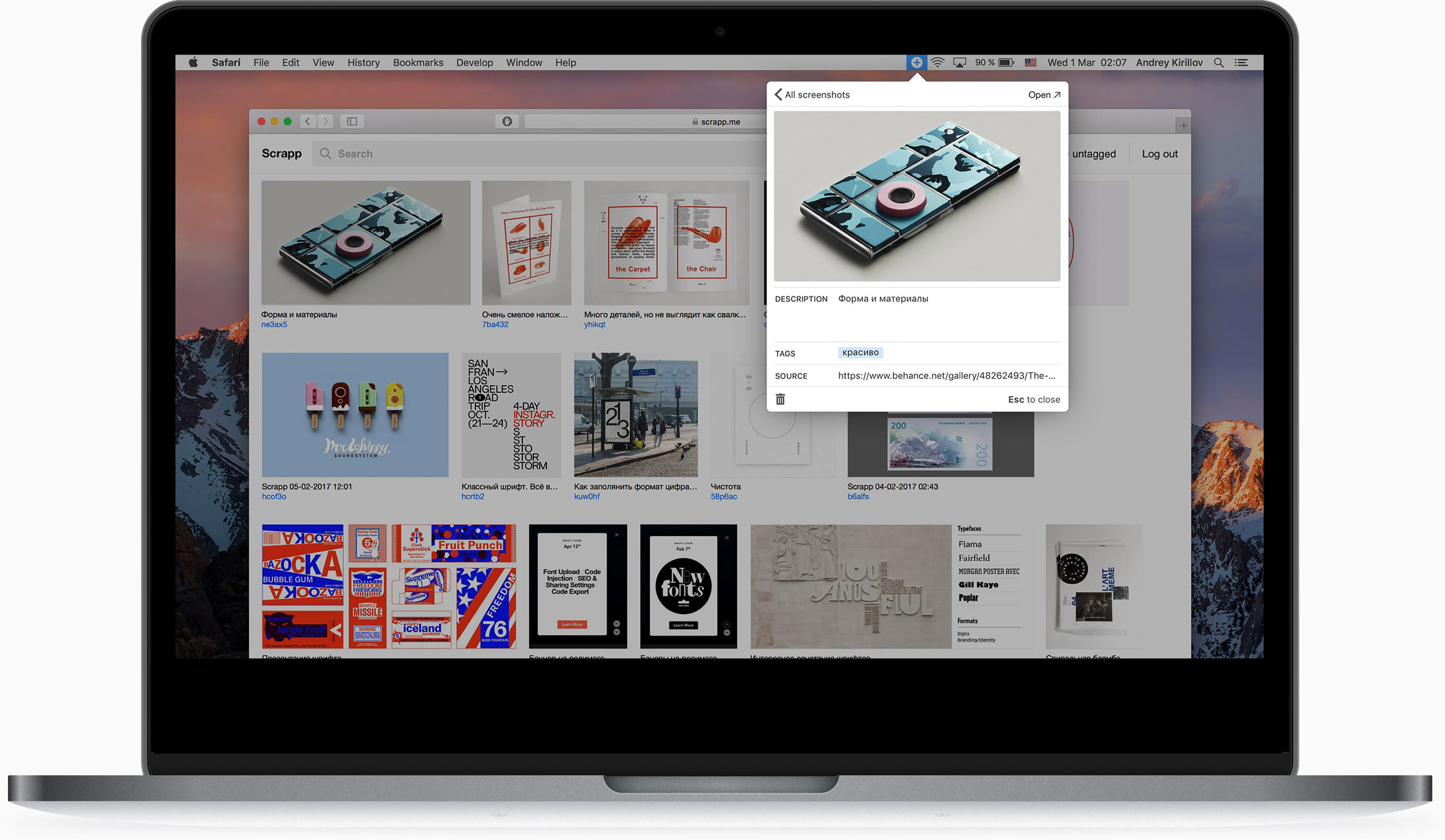
I have a weakness for collecting. I used to throw all my findings into a folder on my desktop, but over time it became almost impossible to find what I'm looking for. Collecting has lost its meaning. Scrapp helped me get back to the collection. There you can add a description, tag and a link to the source of any picture. You will not get lost!
Sasha Volkova
I like Scrapp because of that cool tag and description thingie. 90% of my screens are garbage, and in Scrapp I filter them out easily. But for the other 10%, I write extended comments, almost posts. This is my collection, it's meaningful, it's fat-free.